10 Online Mistakes That Put Your Personal Information at Risk
Weak passwords and careless Facebook posts make it easier for scammers to access your accounts


Most people don’t realize how much of their personal information is available online—until it’s used against them. Take Cathy Pedrayes, for example, a former TV host who learned how easily viewers uncovered her colleagues’ personal details, including home addresses, with a simple search. Today, Pedrayes is a safety advocate and author of The Mom Friend Guide to Everyday Safety and Security.
No one is safe, she believes. “Some people feel that their data doesn’t matter; they have nothing to hide or nothing of value, so why would anyone care?” she says. “I assure you, your information is valuable, and you can be targeted.”
Common mistakes such as those below may increase the risk.

1. Assuming that Apple or Android products, or a virtual private network, offer total protection
No platform makes users immune to credential theft, phishing or social engineering, says Don Warden II, author of Inside the Breach: Lessons from the Cybersecurity Frontline. An example of social engineering is an email purportedly from Amazon or your bank. The culprit is not hacking into your device; instead, they’re manipulating you to give up information.
Even a VPN—or virtual private network, an encrypted connection between your device and the internet—doesn’t prevent phishing or malware attacks, and it won’t fix weak passwords, Warden says.
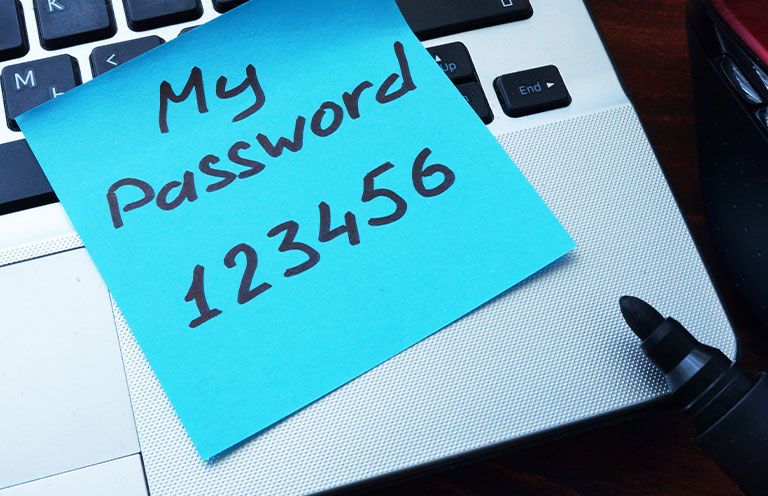
2. Using the same password on repeat
Once criminals determine one password, they’ll test it on other accounts, says Marc Umstead, president of Plus 1 Technology in Pottstown, Pennsylvania. “We see this all the time when helping clients recover accounts,” he says.
He recommends a password manager, which securely stores your passwords, creates strong passwords and prevents you from repeating them.
3. Ignoring email protection
Email is the “crown jewel” of your accounts, Umstead says. “If someone gets into your email, they can reset passwords to almost everything else,” he explains. “That’s how small mistakes turn into full account takeovers.” It’s essential to apply any relevant guidelines below to your email account first.
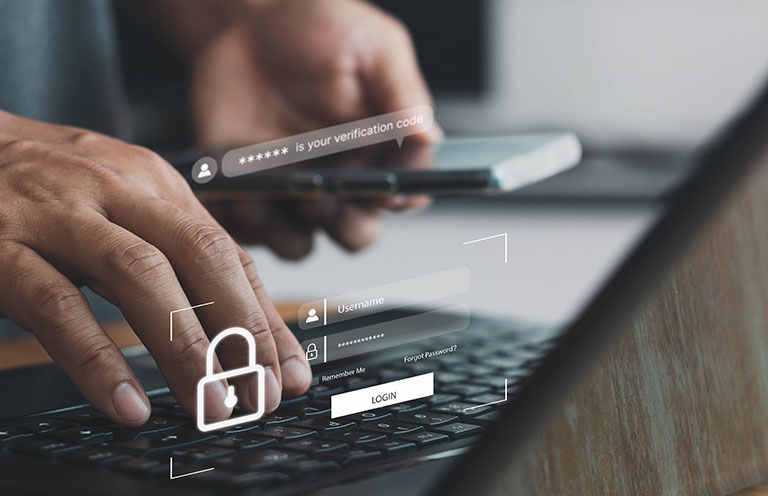
4. Avoiding multifactor authentication
Multifactor authentication requires users to provide two or more verification factors to access an account. Entering a six-digit code from an authenticator app is one example. Fingerprints and face recognition are others.
5. Putting a phone number on social media profiles
Because phone numbers are often used for account verification and password recovery, criminals may trick mobile carriers into transferring a victim’s phone number to a SIM card or device they control. (A SIM card is the small chip that helps identify your phone on a mobile network.) They can then intercept security codes and potentially reset your passwords.
6. Using your primary email and phone number for everything
Consider a secondary email for shopping and other routine online tasks, Pedrayes says. She also recommends using a VoIP number, an internet-based phone number, for nonessential communications. Because it isn’t tied to where you live, you can choose a different area code for your number.
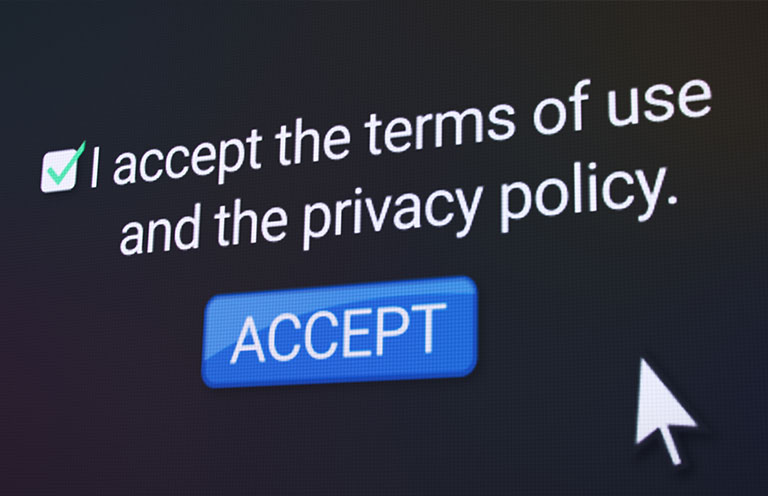
7. Accepting default privacy settings
Websites, apps and connected devices can collect your location, device details and online activity. Review privacy and permission settings on your phone, tablet and computer. Turn off anything you don’t need, such as location tracking, microphone access, camera access and contact sharing. Also check your car, smart TV and other connected devices, Pedrayes says.
8. Clicking on a malicious link
Thieves use links to obtain a credential cookie that allows them to bypass the authentication process. Be wary, no matter how legitimate the email or text seems. It’s always a good idea to look carefully at the sender’s email address. Often, you’ll see that it is not from an official source; if it is a good approximation of a legitimate address, it may have a typo or be off by a letter or something of the like.

9. Logging on to public Wi-Fi carelessly
Be aware that a hotel, airport or airplane might be collecting data, Pedrayes says. Public Wi-Fi can also make users vulnerable to “evil twin networks,” fake but official-looking networks whose purpose is to steal data.
10. Sharing too much information on social media
Putting your full birth date, hometown and family members’ names online lets scammers personalize phishing scams. They also can use the information to answer authentication questions, Warden says. Similarly, avoid announcing that you’re on vacation, because observant thieves will know your home is vulnerable, and never post your driver’s license online.
If you think your accounts have been compromised, take action.
“Change your email password immediately from a secure device, turn on multifactor authentication if it is not on, and search your email settings,” Umstead says. “Attackers frequently create hidden forwarding rules to maintain access.” Open settings in your email platform. Look for unknown forwarding addresses, inbox rules, filters, reply-to changes and recovery methods that could let a hacker keep access or hide messages.
Protecting your online information doesn’t require technical expertise, but it does demand attention. In an age when personal data is easy to find, the best defense is to be intentional about what you reveal and vigilant about securing the accounts that matter most.