The Extra Mile Style Guide [H1 Title (Title Case)]
Subtitle (Sentence case)

Welcome to the Extra Mile Style Guide—your go-to resource for creating consistent, professional, and on-brand content for AAA Club Alliance’s editorial platform. This guide outlines the core structure and formatting standards used across our articles, including breadcrumb navigation, H1 titles, subtitles, author fields, and hero images. You'll also find detailed guidance on article body formatting, including image sizing (horizontal and vertical), captions using HTML, H2 and H3 header hierarchy, hyperlinks, and proper bolding practices. Visual callouts such as pull quotes, block quotes, and inline ads are also covered to ensure cohesive design and flow. With visual examples throughout, this guide helps writers and editors maintain clarity, support SEO, and deliver a high-quality reading experience for our members.
Article body and headers (H2 format for sub headers in sentence format)
The body of eachExtra Mile article should be clear, conversational, and easy to scan. Use short paragraphs, sentence-case subheadings (H2s), and bolding for key terms or phrases to improve readability. Incorporate internal and external hyperlinks where relevant—set to open in a new tab—and always follow accessibility best practices, such as including alt text for images. When appropriate, enhance the article with pull quotes, block quotes, and inline images to break up text and highlight important points. Maintain a consistent tone that reflects our brand voice: friendly, informative, and trustworthy.
Subhead hierarchy (H3 format for sub headers in sentence format)
Use H3 subheaders to organize content within an H2 section. This helps maintain a clear visual structure and improves navigation for readers. For example, if an H2 header is titled “Arizona,” a subsection focused on a specific city like “Phoenix” should be styled as an H3. Avoid skipping header levels (e.g., jumping from H2 to H4), and ensure subheaders accurately reflect the content that follows.
Why header hierarchy matters for SEO
Using a proper header hierarchy (H1, H2, H3, etc.) not only improves readability for users—it also helps search engines better understand and index your content. Structured headers allow search engines to identify the main topics (H2) and supporting subtopics (H3), which improves content relevance and keyword targeting. This organization signals to search engines that your article is informative, well-structured, and user-friendly, increasing the chances of ranking higher in search results.
Images, Sizing, and Captions
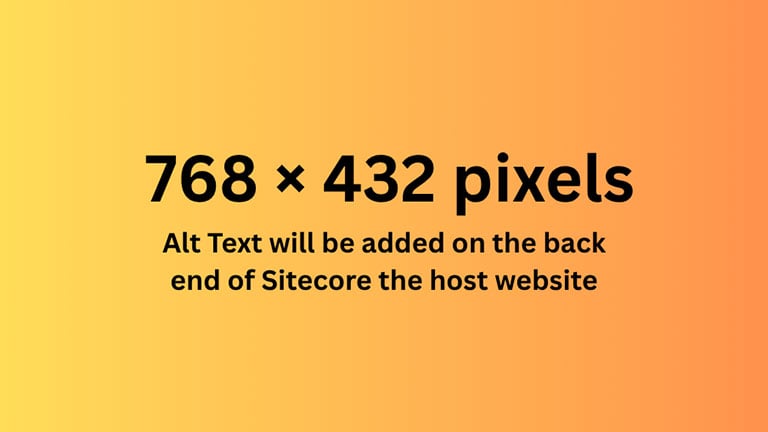
Images play a key role in enhancing the visual appeal and storytelling of Extra Mile articles. Hero and body images should be horizontally oriented and sized at 768 × 432 pixels, while inline vertical images should follow a 768 × 800 pixels standard. All images must include descriptive alt text for accessibility and HTML-coded captions when necessary. Captions should follow editorial voice and include photo credits when available (e.g., photo courtesy of Royal Caribbean). Proper sizing and formatting ensure consistency across desktop and mobile layouts while supporting SEO and user engagement.
Visual add ons
Pull quotes are short, 1–2 sentence call-outs used to create visual breaks in an article. They’re typically pulled directly from dialogue or a speaker’s statement, adding emphasis to something quotable, emotional, or provocative. Often styled larger or offset in the layout, pull quotes guide the reader’s eye and add rhythm to long-form content. Short 1–2 sentence call-outs for visual breaks. normally actual quotes from someone speaking.
Block quotes, on the other hand, are used to highlight important content—usually longer excerpts of text or quoted material. They're set apart from the body copy with indentation or styling to signal a shift from the main narrative.
Your quote here.
While pull quotes grab attention and break up the page, block quotes are more functional, focusing on clarity, citation, or emphasis within the flow of information. Highlight important content
Pull quotes and block quotes should be placed between paragraphs to highlight key points without interrupting the flow of the article.